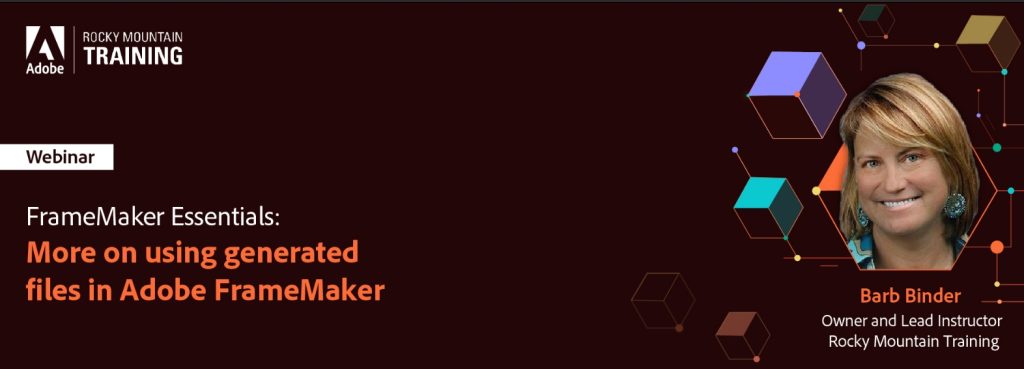
Adobe FrameMaker Essentials
Part 5: Generated Files
Recording
The recording of this webinar is now available on YouTube here.
The recordings of all sessions of the FrameMaker Essentials series are available in the Adobe FrameMaker Essentials Playlist on YouTube.
This webinar was recorded on April 19, 2023.
Welcome to Adobe FrameMaker Essentials, an online workshop series on the market-leading software for authoring and publishing technical content, Adobe FrameMaker. Here is your exclusive opportunity to learn from renowned technical communication experts and get hands-on training on Adobe FrameMaker.
The goal of this session is to help intermediate to advanced Adobe FrameMaker users build on their knowledge of generated files.
- Book TOC vs Standalone TOC vs Mini TOC
- Last line right indent vs Word Spacing values to hang page numbers
- Additional Lists: Glossary, List of Figures, List of Paragraphs
- List of references vs Markers and Cross-References panels
- Reuse a generated file
The Adobe FrameMaker Essentials series has been designed to help you get started with FrameMaker. We start with the basics and cover more complex topics as we proceed to the next session. So, if you are a novice documentation professional or a seasoned documentation expert looking to brush up your Adobe FrameMaker authoring skills, this is the place to be!
Your Expert
Barb Binder

Barb Binder is an Adobe Design Master on the Creative Cloud publishing applications, and an Adobe Certified Instructor on FrameMaker, InDesign, Photoshop, Illustrator, and Acrobat. In her spare time, she stays busy supporting the local Adobe community. As a member of the Adobe Certified Professional program, she is an active volunteer in the Adobe user forums. Barb also runs the Denver Adobe Creative Cloud User Group in Denver.