Adobe FrameMaker Essentials
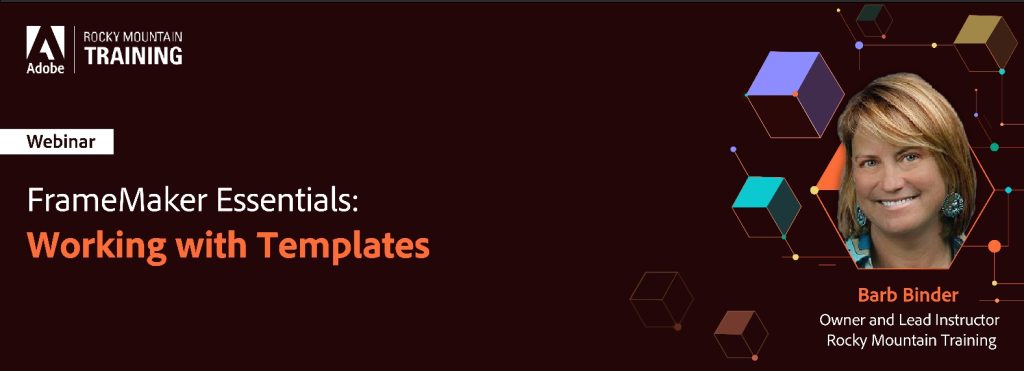
Part 7: Working with Templates
Recording
The recording of this webinar is now available on YouTube here.
The recordings of all sessions of the FrameMaker Essentials series are available in the Adobe FrameMaker Essentials Playlist on YouTube.
This webinar was recorded on November 2, 2023.
Welcome to Adobe FrameMaker Essentials, an online workshop series on the market-leading software for authoring and publishing technical content, Adobe FrameMaker. Here is your exclusive opportunity to learn from renowned technical communication experts and get hands-on training on Adobe FrameMaker.
In this virtual workshop, we walked you through how to work with templates in FrameMaker. In this session, we covered the following topics:
- Template concepts
- Designing your own template
- Page layout
- Paragraph, character, and table styles
- Reference pages
- Variables
- Cross-references, equations, and conditional tags
- Color definitions
- Document-level settings
- Using the standard templates
- Locating additional templates
After watching the recording of this session, you will have a clear understanding of how to create documents using FrameMaker templates.
Your Expert
Barb Binder

Barb Binder is an Adobe Design Master on the Creative Cloud publishing applications, and an Adobe Certified Instructor on FrameMaker, InDesign, Photoshop, Illustrator, and Acrobat. In her spare time, she stays busy supporting the local Adobe community. As a member of the Adobe Certified Professional program, she is an active volunteer in the Adobe user forums. Barb also runs the Denver Adobe Creative Cloud User Group in Denver.